Latest changelog
Loading the latest changelog…
How to set up EliteMobs
EliteMobs Plugin Setup
- Place EliteMobs in your plugins folder and start the server (Java 21+, Minecraft 1.21.4+).
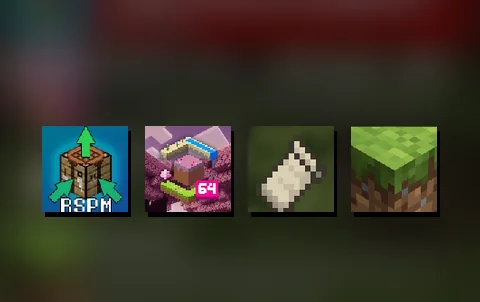
- (Optional & Recommended) Add FreeMinecraftModels and ResourcePackManager.
- Run
/em initializeand choose a preset.
EliteMobs Content Setup
- Run
/nightbreakloginin game or from the console. It gives you a link and a short code. - Open the link, sign in or make a free Nightbreak account, and approve the server. It connects right away, with no token to copy and no restart.
- Install content from
/em setup, or run/em downloadallcontentto get everything your account can access.
Manual Content Setup
- Download the content you want from the list below.
- Put the zip in
plugins/EliteMobs/imports. Do not unzip it. - Run
/em reload. - Open
/em setupto check that it installed correctly.
Updating content
Run /em updatecontent, or turn on Automatic Updates in /em setup. For manual installs, repeat the steps above with the new zip. No need to uninstall anything!
Reach your content through the free Adventurer's Guild hub or the teleports page in /em.