
About CannonRTP
CannonRTP transforms random teleportation into a cinematic experience. Instead of instantly appearing somewhere new, players step into a cannon, watch it calibrate their destination, and get launched across the world—landing safely in a random location. Designed to be immersive and memorable, CannonRTP turns RTP into something players actually enjoy using.
The Launch Experience
As players enter the cannon, they are lifted into the air while the system locks in a safe destination, complete with coordinate previews. Once ready, the cannon fires—blasting them skyward before dropping them above their landing zone with smooth descent and impact effects.
Key Features
- Fully Configurable Cannons: Place cannons anywhere and set custom RTP distances, target worlds, and search centers per unit.
- Safety First: Built-in safe location checks ensure players never land in a wall or over lava.
- Deep Integration: Full support for popular protection plugins like WorldGuard, Towny, Lands, and more.
- Total Customization: Everything from timing to particles and sounds can be adjusted to match your server’s aesthetic.
- Visual Flexibility: Supports custom cannon models with an automatic fallback to particle visuals if no models are installed.
- Quick Setup: Includes a ready-to-use example cannon to get you started immediately.
Ideal For:
- Survival Servers
- SMPs
- RPG Environments
Blast off into the unknown.
Plugin Setup
Installation & Setup
To install, place the jar into your plugins folder. After booting, a default example cannon will be placed at your server’s spawn location. You can find the config for this cannon in plugins\CannonRTP\cannons\example_world_cannon.yml, where you can disable it or change its location.
Managing Cannons
-
Creation: To place a new cannon, stand where you want it to be and run
/cannonrtp create <cannon_name>. -
Removal: To remove a cannon, simply run
/cannonrtp delete <cannon_name>.
Requirements: Minecraft version 1.21.4+ is required.
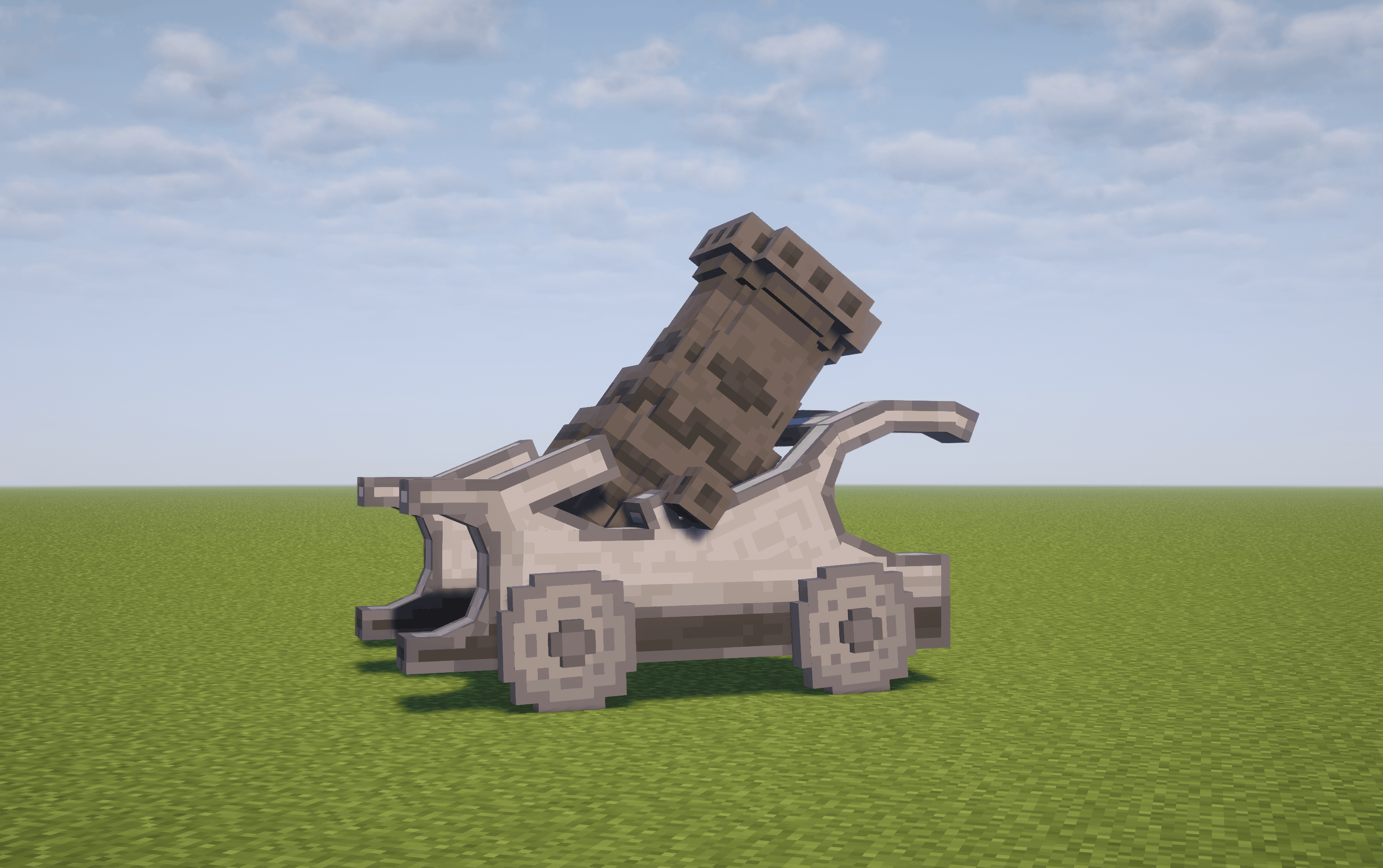
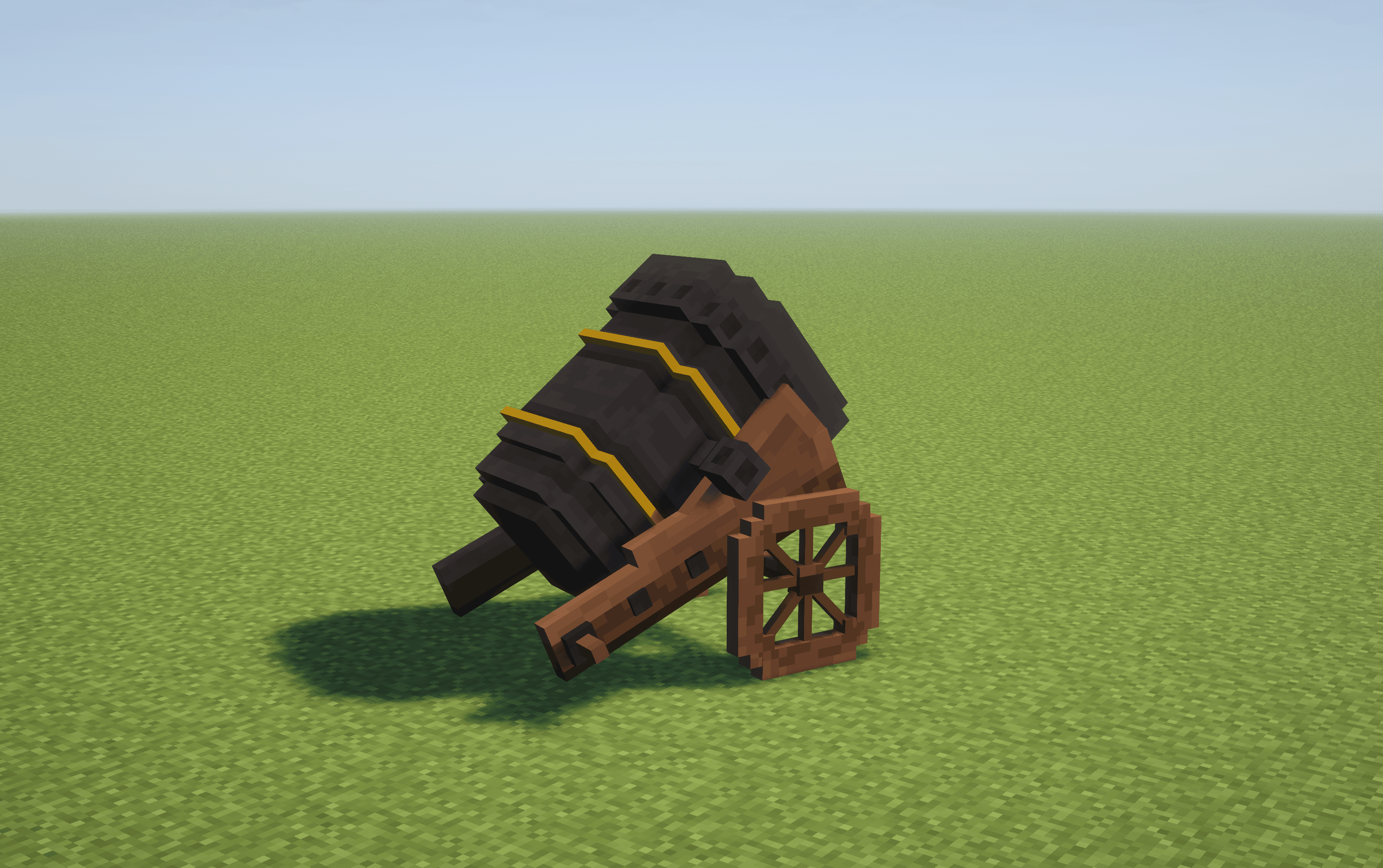
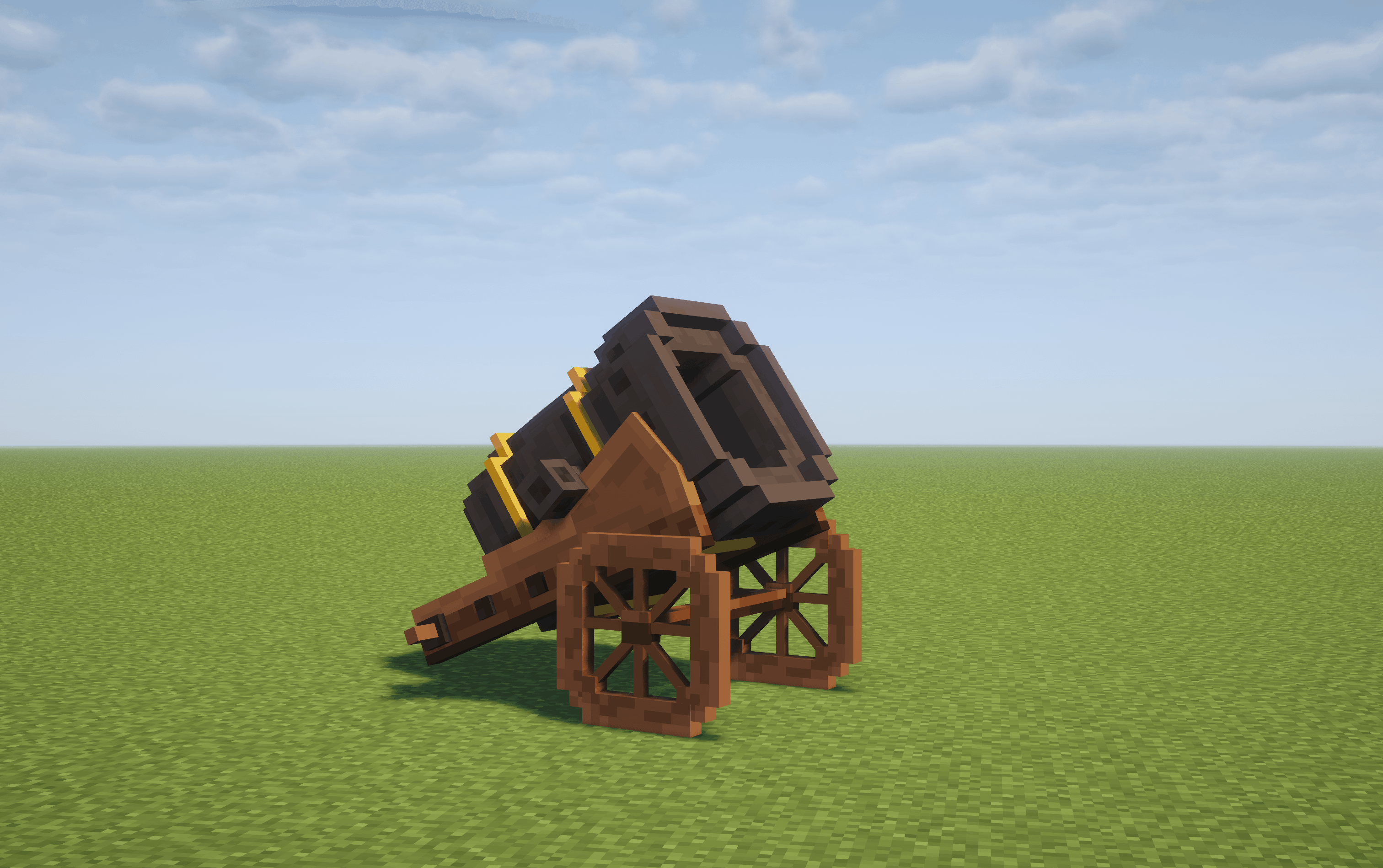
#Free Cannon Model
This DLC adds a basic 3D model to your cannon, giving it a more defined physical look compared to the default particle visuals.
Technical Details
To install, place the file into the plugins\CannonRTP\imports folder and run /cannonrtp reload.
Download Free Cannon Model
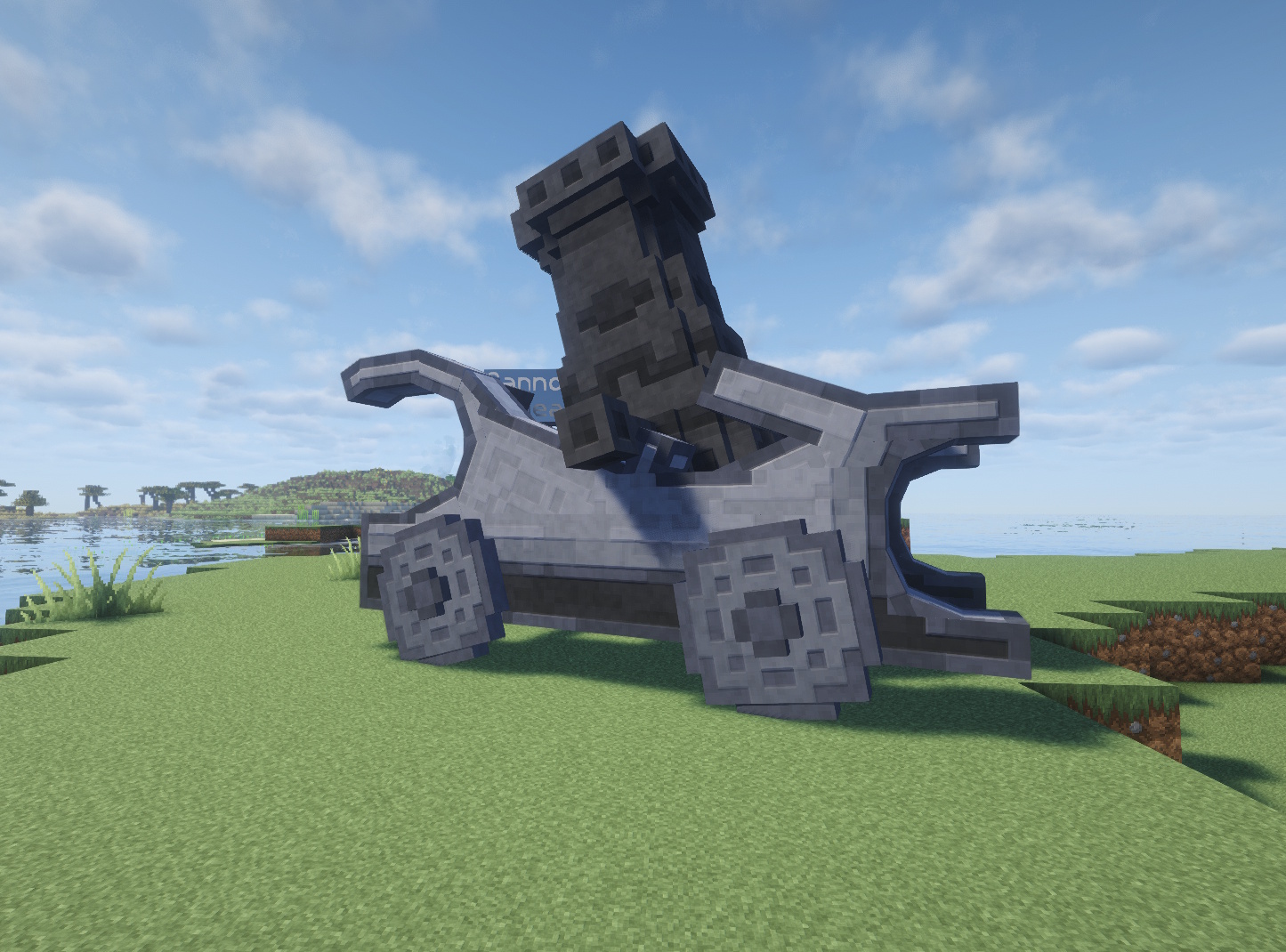
#Premium Cannon Model
Upgrade your setup with a large-scale 3D cannon model that replaces standard particles with a physical centerpiece. This model features moving parts that animate during the calibration and firing process, giving the teleportation a mechanical, immersive feel.
Technical Details
To install, place the file into the plugins\CannonRTP\imports folder and run /cannonrtp reload.
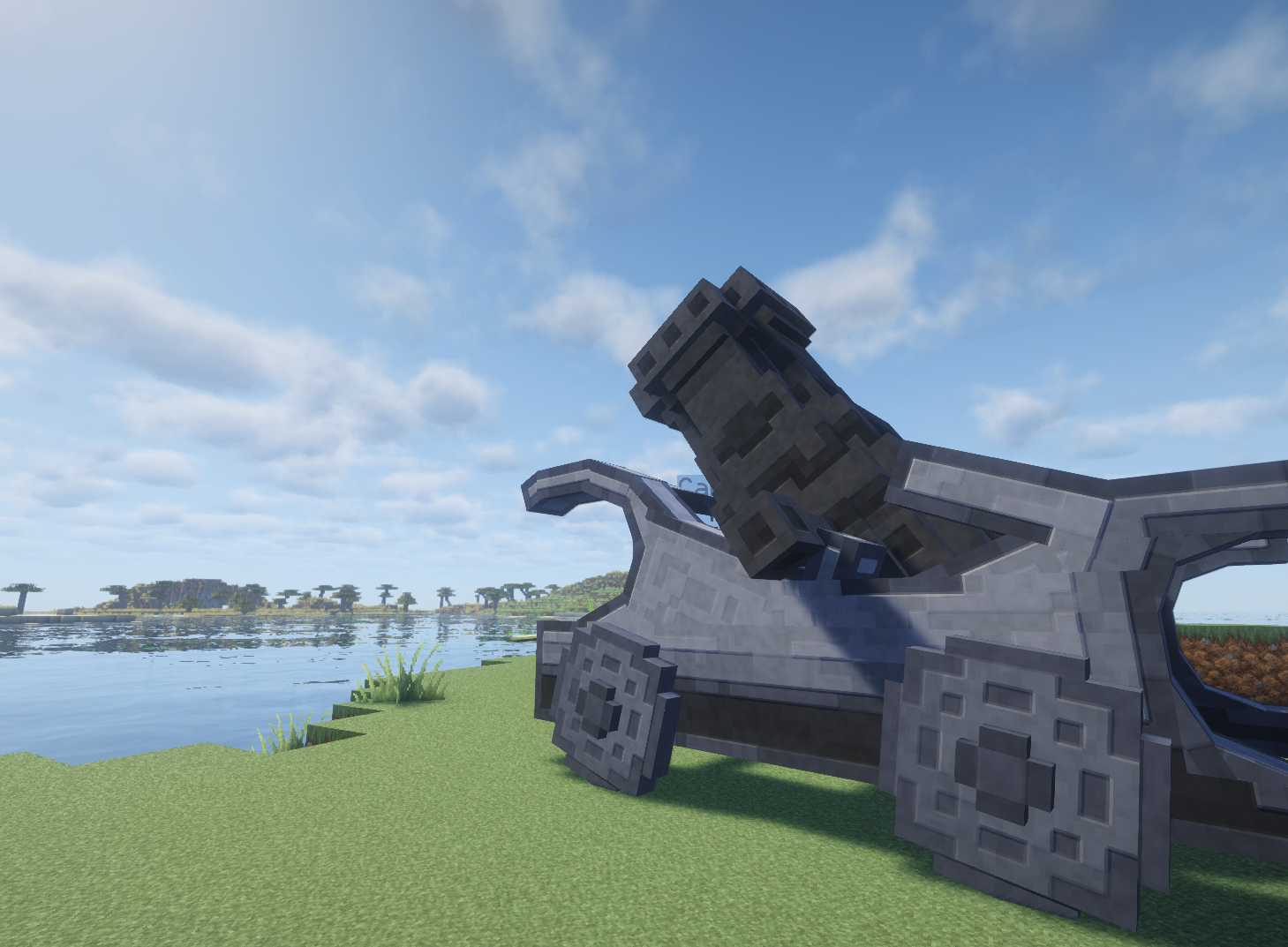
Download Premium Cannon Model
Join Our Community
Become a part of the community and get the latest news about our releases, as well as access to exclusive content – even at the free tier!